
Feed mixer scale
What is Libra Feed
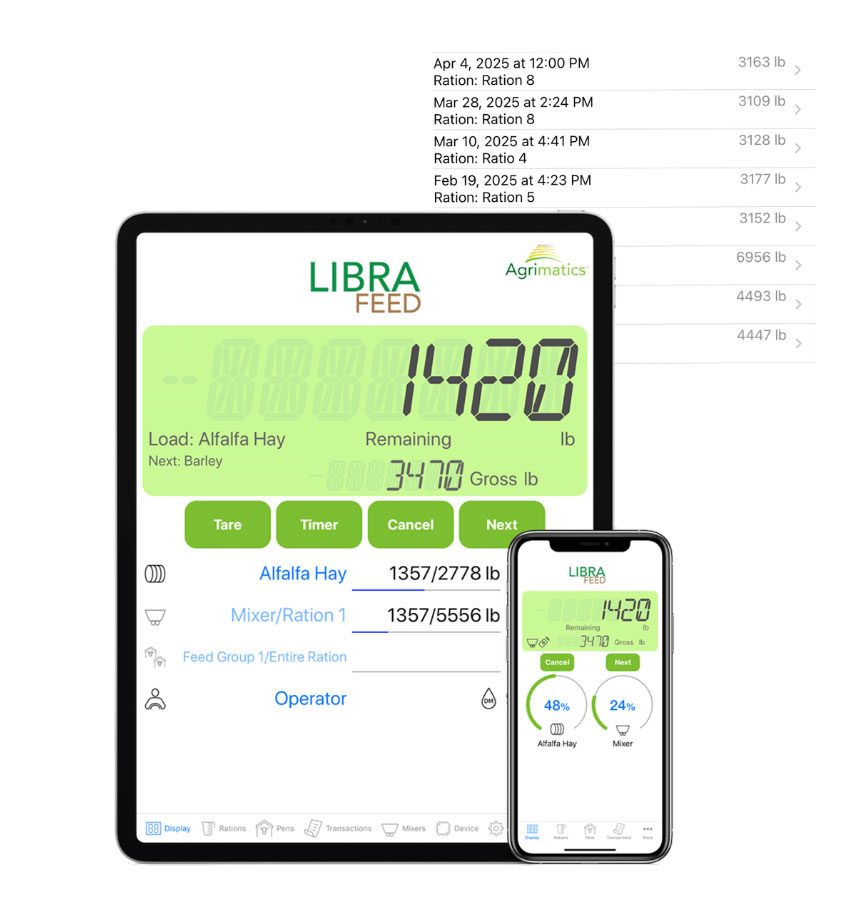
The Libra Feed box mounts on your mixer, connects to the load cells you already have, and sends weights by Bluetooth® to the Libra Feed app on your iPhone or iPad. It takes the place of the scale head in the cab, and the app takes the place of the feed sheet.
Enter your pens, ingredients and rations once. The app then walks the operator through loading each ingredient and delivering the right amount to each pen, and records every load as it goes. Libra Feed used to be called Libra TMR.
Why a scale on the mixer
A mixer scale tells you exactly what went into each load and what came out at each bunk. You stop over- and under-loading, waste less feed, and keep a record of what every pen was fed for your nutritionist, your bookkeeping and your own decisions.
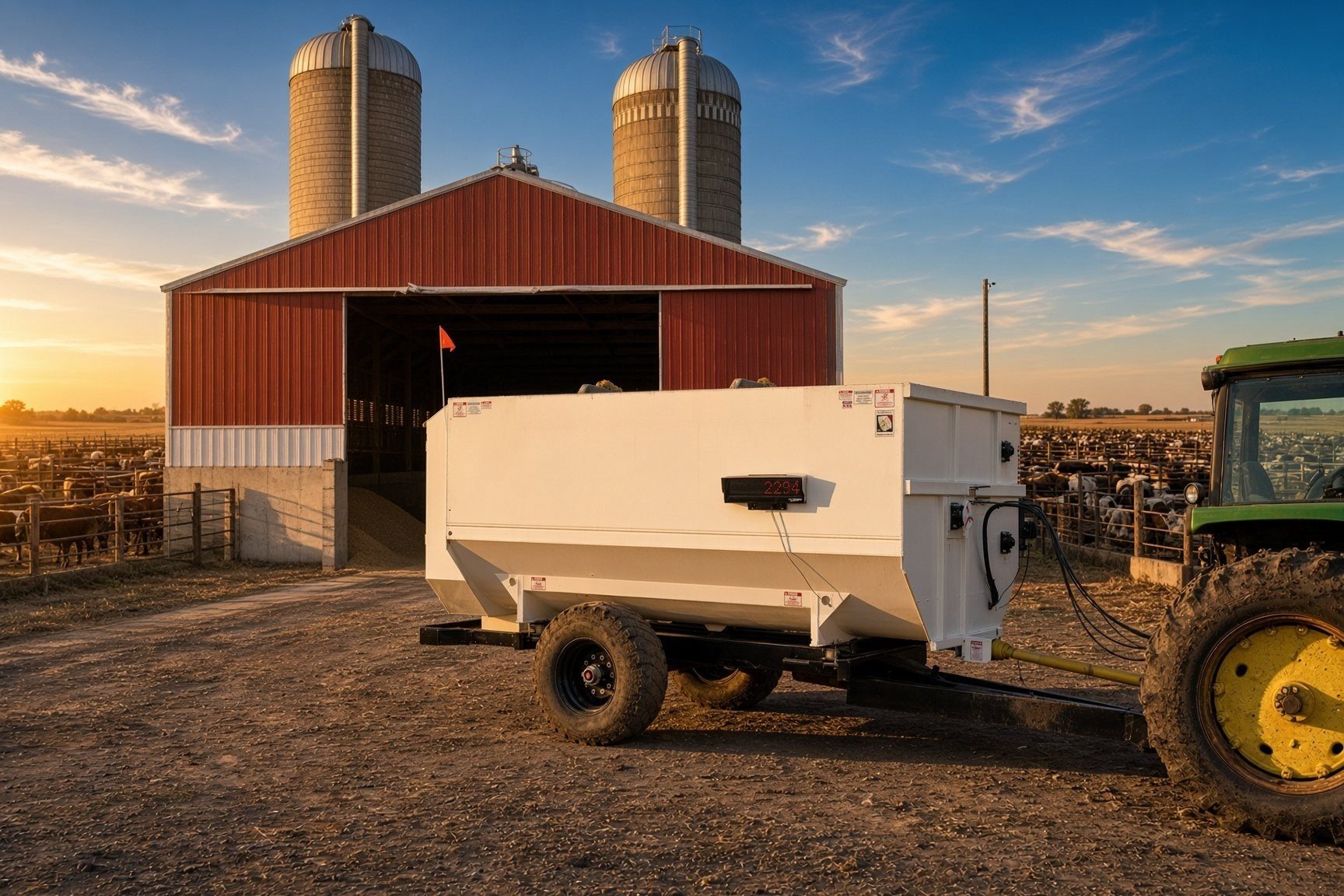
No scale on your mixer yet? We build scale kits for grinder-mixers, TMR mixers and feed wagons. See feed scales or ask us.
Who uses it
- Beef feedlots, backgrounders and stocker operations
- Dairies mixing a TMR for high-production cows
- Custom feeders and nutrition consultants
- Anyone done with paper feed sheets, a scale head in the cab and guesswork
The hardware
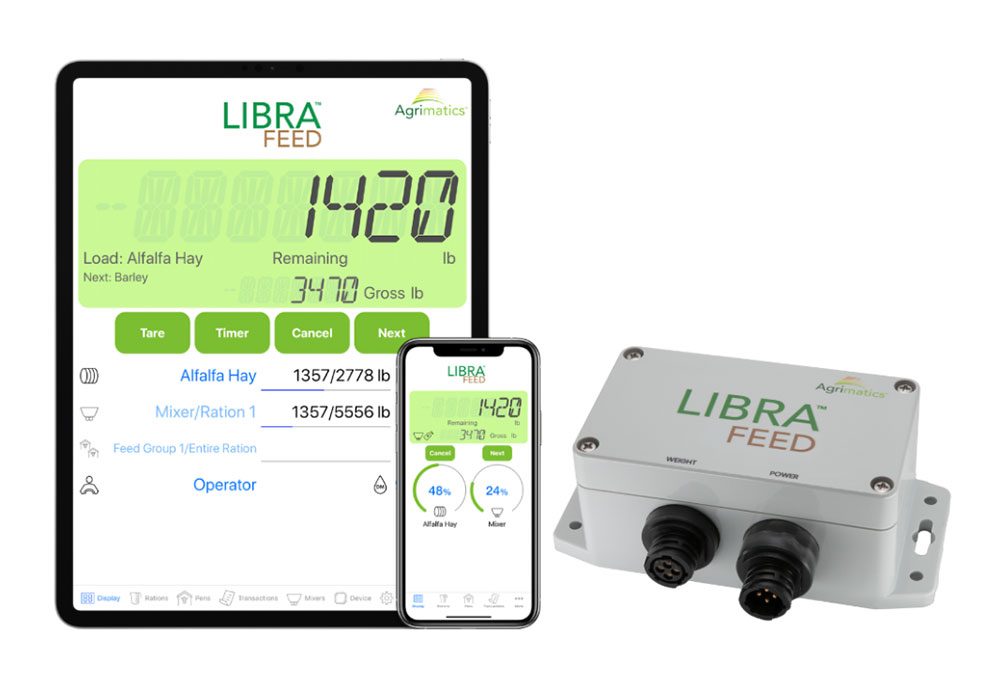
Libra Feed M0041
$3,495 scale box only
- Uses your load cells. Connects to the mixer's junction box with a 4-pin AMP cable. Systems with a 5-pin connection need the 5-pin adapter, the same one we use on Libra Cart.
- Replaces the scale head. Your iPhone or iPad is the display, and a second device in the loader can be a remote display.
- Works with no signal. Bluetooth only, so it weighs and records with no cell coverage or Wi-Fi.
- 12V power cord included. We send one with every unit, and we recommend running on 12V for daily feeding. A 3.6V AA lithium battery is included too.
Disconnect your old scale head before connecting Libra Feed. Two indicators powering the same load cells can damage equipment.
No feed sheets. No scale head.
Everything the operator needs is on the phone or tablet they already carry, in the cab or in the loader.
Throw out the feed sheets
Rations, loading instructions, live weights and feeding records all live in the app. No notepads, no sheets taped in the cab, nothing to type up at night.
Use the device you already own
Any iPhone or iPad on iOS 10 or newer. Put a second device in the loader as a remote display so the loader operator sees the weight too. Android is not supported.
Feed anywhere, any time
The box talks to your device over Bluetooth, so it works in the yard, the barn or a pasture with no cell signal or internet.
Unlimited rations, ingredients and pens
Build as many as you need right in the app. Editing them online from a computer needs a Cloud Pro subscription.
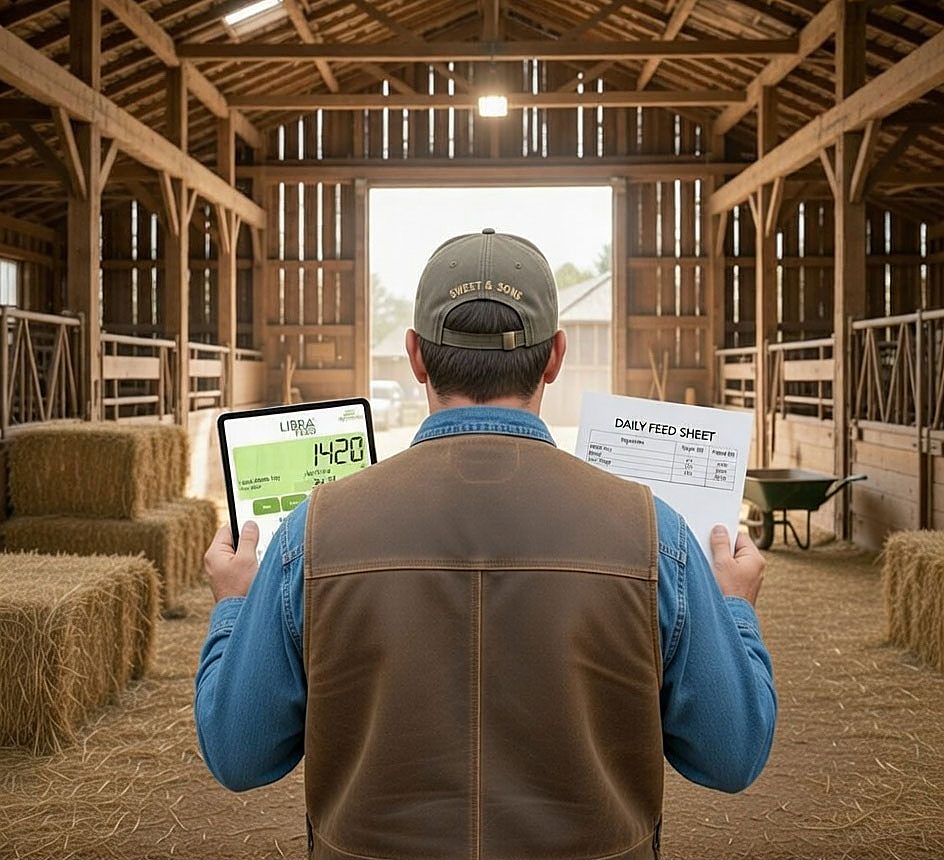
Load and feed it right
Live weights and step-by-step guidance get every ingredient and every pen to target.
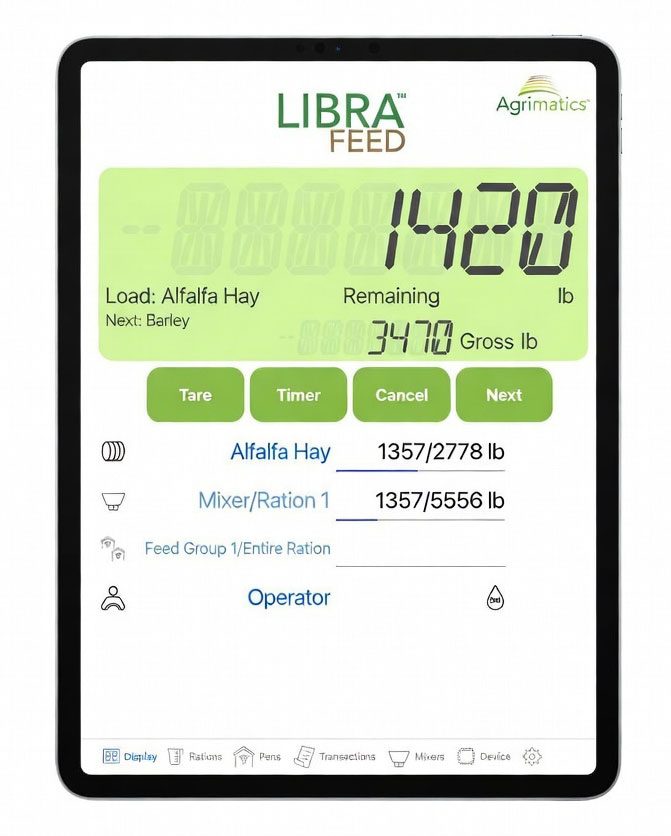
Live weights, step by step
The app shows the ingredient to load, how much is left to go, and the running total, then moves to the next one when you hit the target.
Fix an overload
Overfill or run short on an ingredient and Resize recalculates the rest of the batch to keep the ration right.
Load in any order
Change the ingredient order, skip one and come back to it, whatever suits the yard that day.
Mix it properly
Set a mix time for each ingredient and for the final mix, so every load comes out uniform.
Adjust each pen
Change intake per pen on the fly from bunk readings or weighback, split a ration into several feedings a day, and feed on a dry matter or as-fed basis.
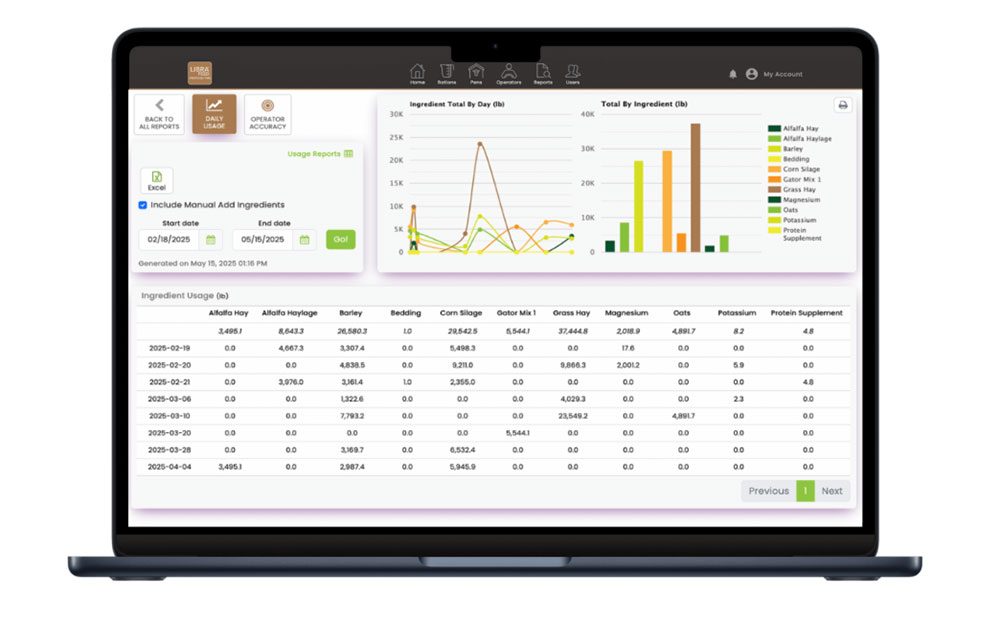
Know what every pen was fed
Every load is recorded, so you can see what was planned, what was fed and what is left in the commodity shed.
Complete feeding history
Compare planned and actual feed for every pen and look back at past loads to spot problems and see who loaded what.
Ingredient inventory Pro
Ingredient levels update in real time as you load, with an estimate of how many days each one will last, so you order before you run out.
Reports
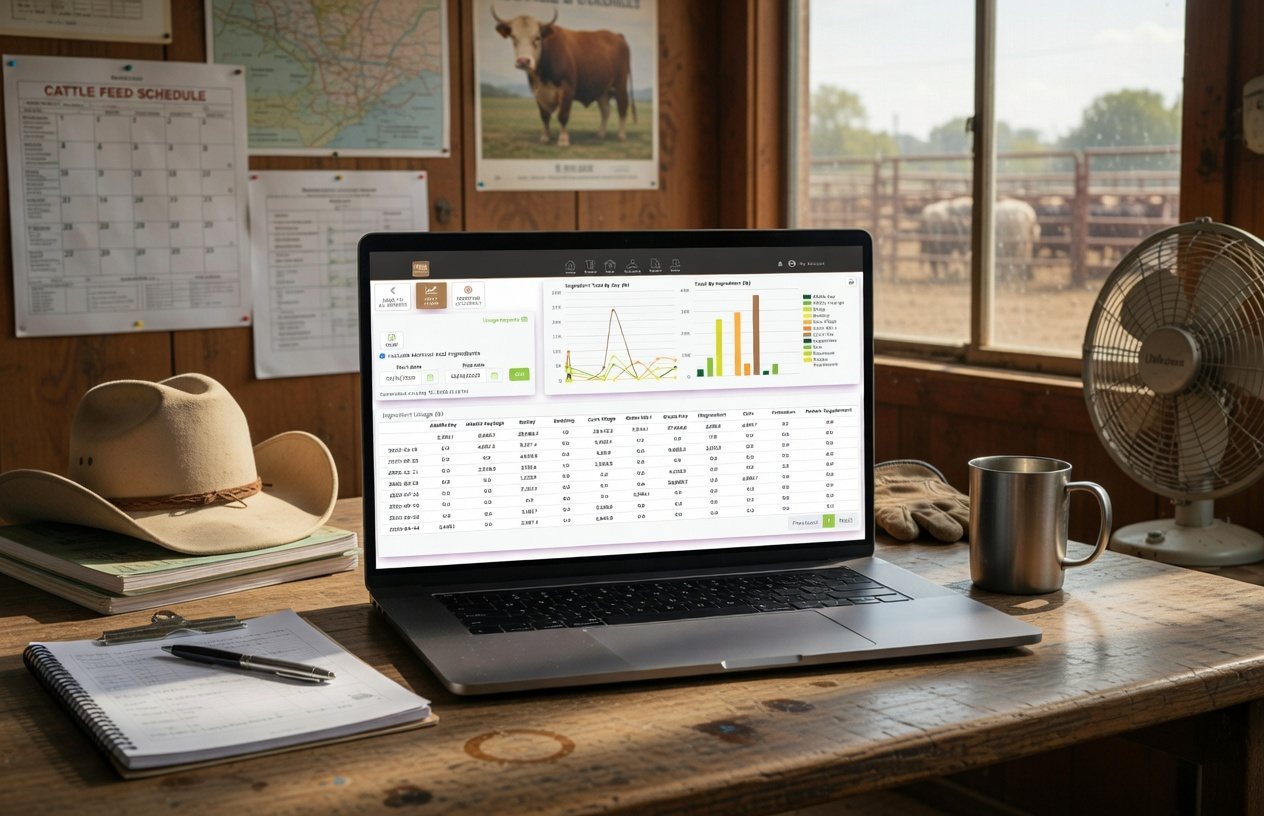
Email ration and pen transaction summaries from the app as a CSV spreadsheet. Daily ingredient usage and operator accuracy reports, as CSV or PDF, come from the cloud with Cloud Pro.
Work from the same numbers
Your nutritionist, managers and operators see the same rations and records. With Cloud Pro, a ration changed from the office shows up in the mixer right away.
More in the app
- Dry matter or as-fed
- Choose the basis for loading and feeding.
- Scheduled feedings
- Split a ration into several feedings a day.
- Bunk readings
- Adjust each pen's call from the bunk or from weighback.
- Mix timers
- Per-ingredient and final mix times.
- Resize
- Recalculates the batch after an over- or under-load.
- Remote display
- A second iPhone or iPad in the loader shows the weight and can switch ingredients.
- Scoreboard
- Total weight or the countdown for the current ingredient on a big LED display, with a Serial Link.
- Operator records
- See who loaded and fed each load.
Try the app free
Libra Feed is free on the App Store. Download it and look around before you buy.
Already own one and it won't weigh right? Start with our Libra help guide, or see Libra University: Feed for setup.
Weights on a scoreboard
A Serial Link puts the mixer weight on an external LED scoreboard, so the loader operator can read it from across the yard. It shows the total mixer weight or a countdown for the ingredient being loaded, and it works with every Libra Feed box.
| You need | Price |
|---|---|
| Serial Link M0080 | $1,195 |
| Scoreboard cable P0060 | $105 |
| Power cable P0070 | $105 |
| LED scoreboard | Needs a J905 port. Need one? Ask us. |
More about Serial Link · The scoreboard and other remote displays
Agrimatics Cloud Service
Backup and web viewing come with Libra Feed. Libra Feed Cloud Pro, at $228 a year per device, unlocks the rest. More about the cloud service.
Protect your data Included
Loading and feeding data backs up whenever your device has internet. Give a nutritionist, partner or advisor free view-only access on the web.
Edit from your computer Pro
Manage rations, pens and ingredient inventory from your desk. Changes sync to the app over the internet.
Sync across devices Pro
Every iOS device on the account sees the same rations, pens and history in real time.
Advanced reports Pro
Daily ingredient usage and operator accuracy reports, downloaded as CSV or PDF, for tracking consistency, costs and audits.
Get Libra Feed
$3,495 Libra Feed M0041, scale box only
What goes on the order
- Libra Feed M0041, with a 12V power cord and a 3.6V AA lithium battery. $3,495
- 5-pin adapter if your junction box has a 5-pin connection. Not sure? Send us a photo of the plug.
- Serial Link and cables if you want a scoreboard. What you need.
- No scale on the mixer yet? We build complete kits with the load cells. Ask us.
Buy the M0041 Order it or ask us
Freight is quoted separately.
Questions
Will Libra Feed work with my existing mixer scale?
Yes, with the load cells. Libra Feed connects to the junction box with a 4-pin AMP cable. A system with a 5-pin connection needs our 5-pin adapter. It replaces your scale head.
Can I keep my old scale head hooked up too?
No. Both would try to power the load cells, which will not work and can damage equipment or create a safety hazard. Disconnect the old scale head before connecting Libra Feed.
My mixer has no scale. Can you add one?
Yes. We build scale kits for grinder-mixers, TMR mixers and feed wagons. Tell us what you run and we will quote it.
How is it powered?
A 3.6V AA lithium battery (included) lasts longest. A 1.5V AA lithium also works. Alkaline batteries can corrode the box, so use one for only a few days. Every unit ships with a 12V power cord, and we recommend 12V for daily feeding.
Which phones and tablets work?
iPhones and iPads on iOS 10 or newer. Android is not supported.
Do I need cell coverage or internet?
No. Libra Feed works fully offline and keeps everything on your device. Data backs up and syncs when you are back on Wi-Fi or cellular.
Can I change the order of ingredients while loading?
Yes. Load them in any order, and skip an ingredient and come back to it.
What if I overfill or run short on an ingredient?
Use Resize. It recalculates the weights of the rest of the batch to keep the ration right.
Do I have to go back to the mixer's device between ingredients?
No. A second iPhone or iPad in Remote Mode, in the loader for example, shows the weight and can switch ingredients. It can't run the feeding itself.
Can I use a Bluetooth headset or speaker at the same time?
Yes. Other Bluetooth accessories stay connected alongside Libra Feed.
Do I need a USB drive or printer to get my data out?
No. Records and reports go out by email or through the cloud, straight from your device.
Setup guides, troubleshooting and the full manual: Libra University: Feed.
See it work
Related
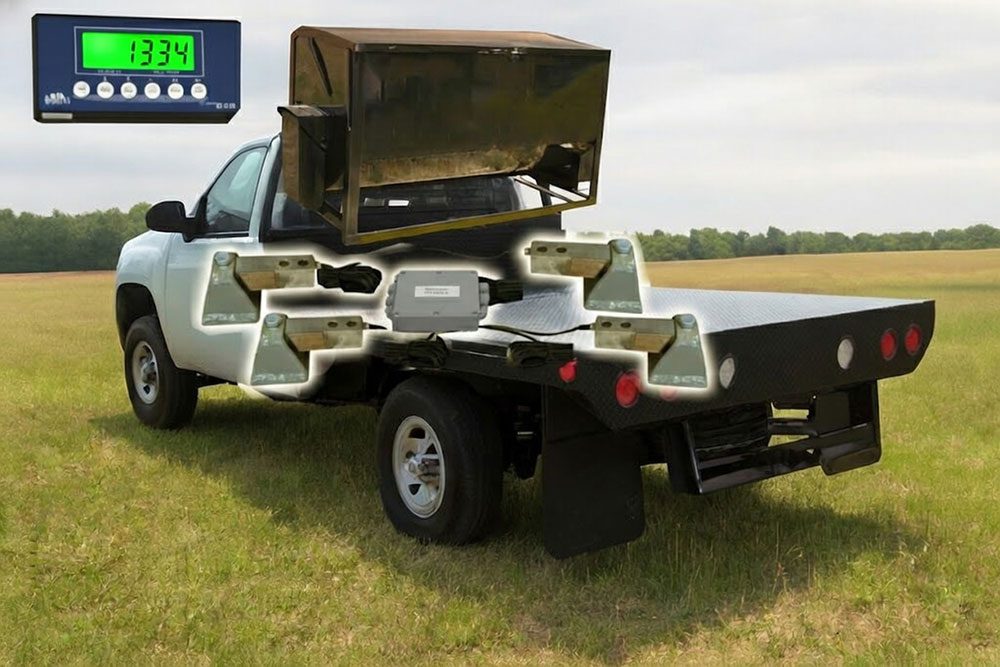 Cake Feeder ScalesCake feeder scale kit with four shear beam weigh bars, a junction box and a Ti-500 indicator. Runs on truck power or 4 AA batteries.
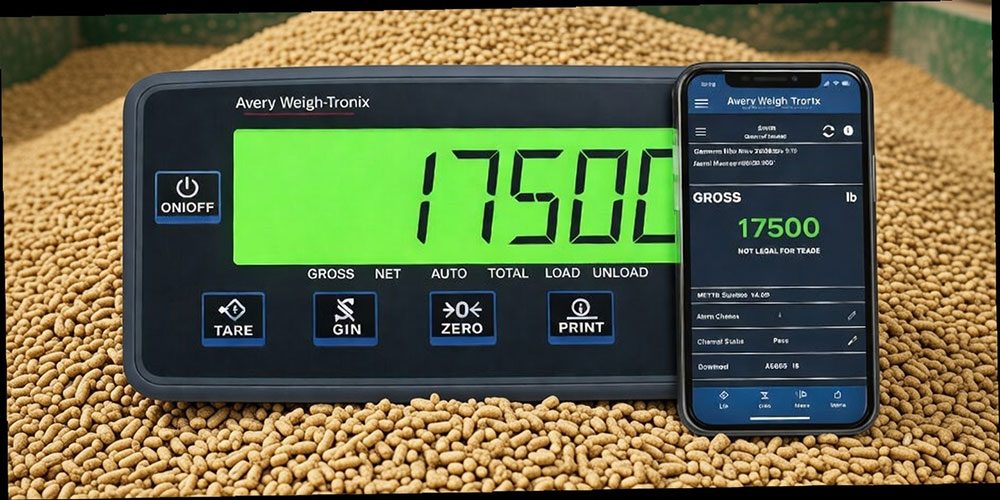 Feed Management IndicatorsFeed mixer indicators for beef and dairy. Avery Weigh-Tronix 660, Digi-Star 2810 BT, 3410 BT and TMR 3610/4610, plus Libra Feed and TAP FEED.
 Feed Ration ManagementTMR ration management with Libra Feed and TAP FEED. Track rations, pens, loads and inventory with Avery Weigh-Tronix and Digi-Star indicators.
 Feed Wagon Scales4-point feed wagon scales with Avery Weigh-Tronix Weigh Bars for TMR mixers, feed boxes and tanks on 4-wheel running gear.