
Libra Cart: Carry Forward Setting
From the Agrimatics support center · Libra Cart · Settings Tab · Original article
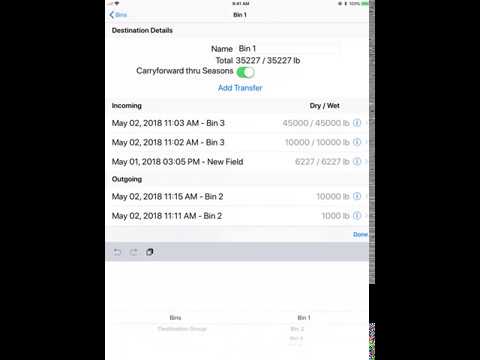
If the Carry Forward Thru Seasons setting is enabled for a destination, at the start of each new season (current season), the field and truck totals will automatically reset to zero, while the totals for destinations persist from one season to the next.
To turn Carry Forward off for a particular destination(s):
- Select the Destinations tab.
- Tap the destination group name to advance to destinations assigned to that group.
- Tap ( i ) next to the destination name.
- Turn Carry Forward off.
To set Carry Forward off as a default for new destinations or turn off for all existing destinations:
- Select the Settings Tab.
- Select Carry Forward Off.
For additional help the video tutorial below will show this process in-app:
Need a hand? Central City Scale is an authorized Agrimatics distributor. Call 800-582-3175, Monday to Friday 8:00 to 5:00 Central, or go back to Libra Cart help.