
Libra Harvest: Manually Adding Transactions
From the Agrimatics support center · Libra Harvest · Fields Tab · Original article
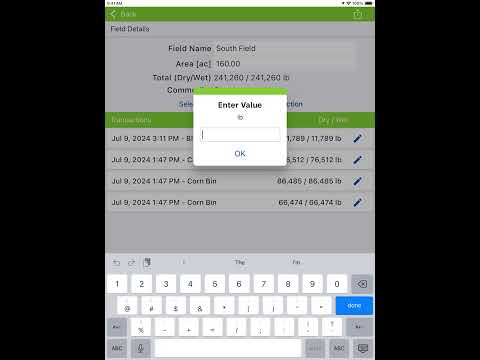
In the case of a missed unload transaction, you can manually add a transaction through the Field Details menu.
- Select the Fields tab.
- Tap the Grower name , then the Farm name to advance to the Fields list.
- Tap the pencil icon next to the desired Field name.
- Tap Add Transaction , enter an amount to add, then tap OK .
- The created transaction will be applied to the currently selected Truck, if one is in use, or directly to the currently selected Destination if no Truck is selected.
Need a hand? Central City Scale is an authorized Agrimatics distributor. Call 800-582-3175, Monday to Friday 8:00 to 5:00 Central, or go back to Libra Harvest help.