
Planting scale
What is Libra Plant
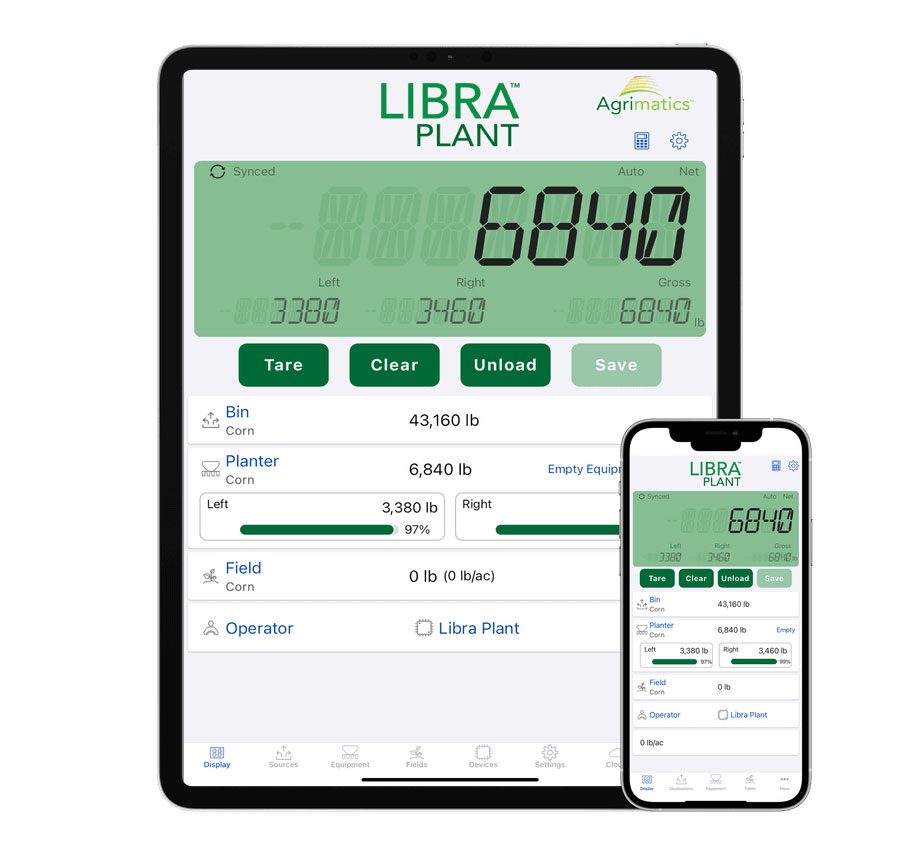
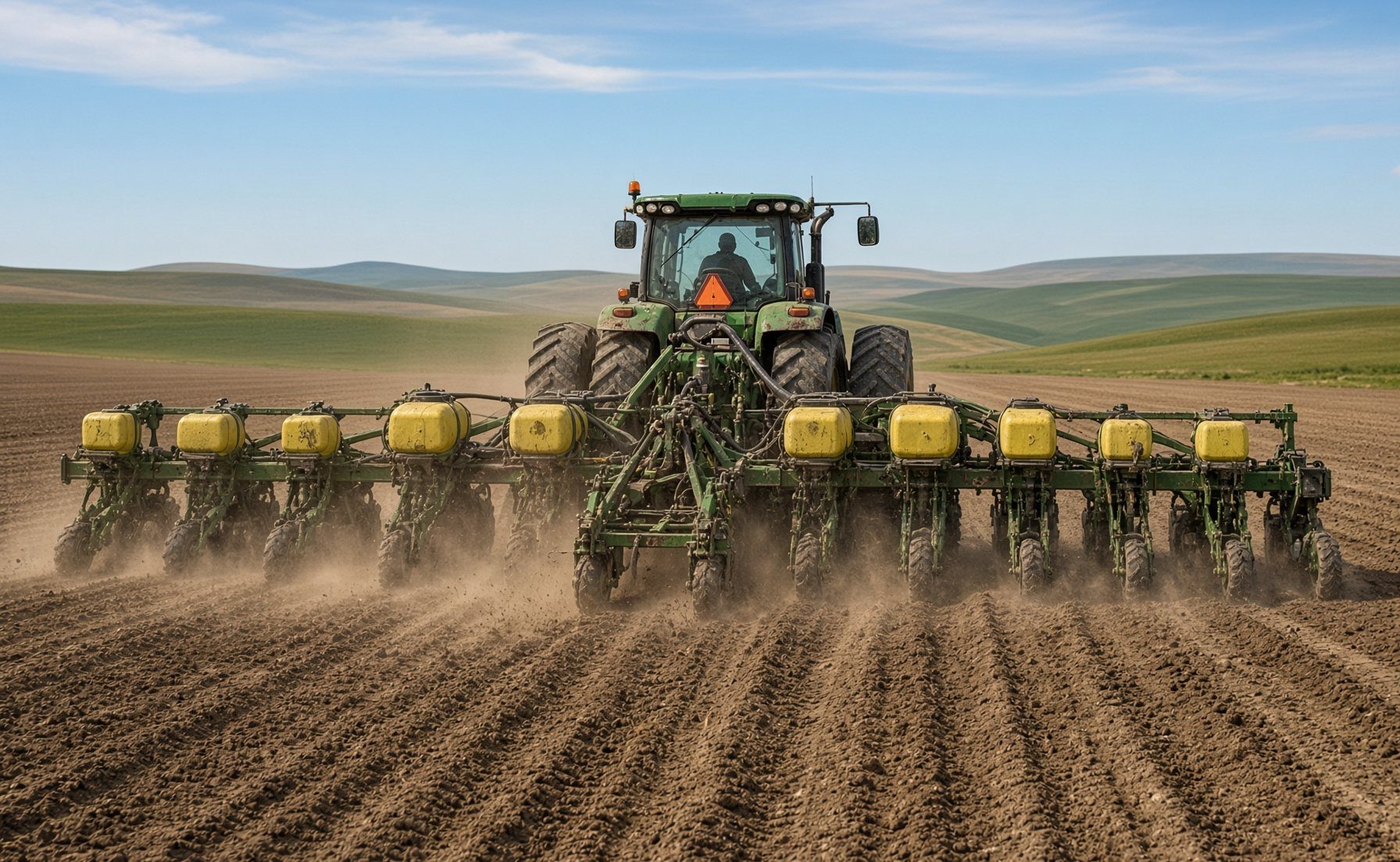
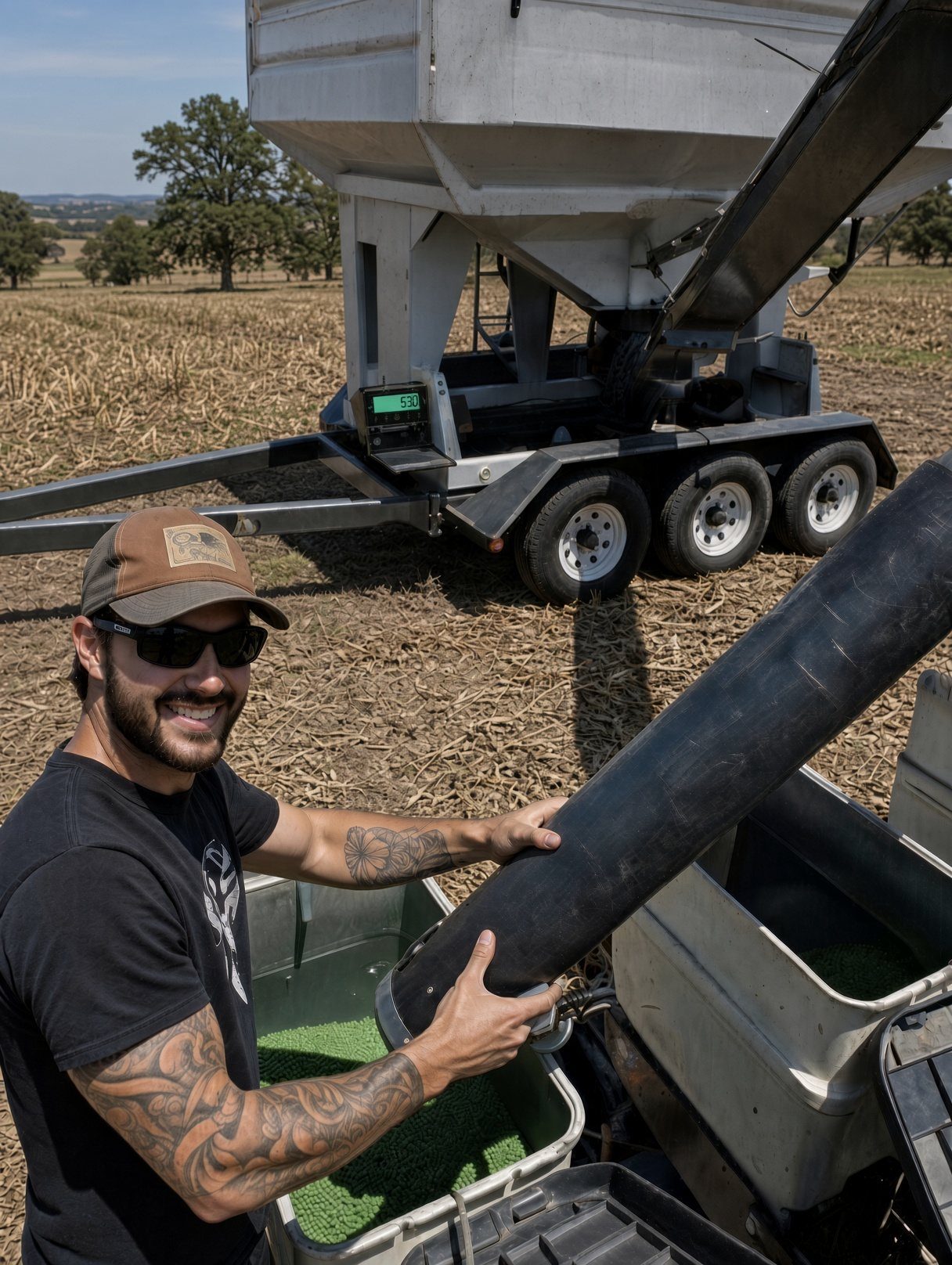
The Libra Plant box mounts on your planter, drill, seed tender or fertilizer spreader, connects to the load cells you already have, and sends weights by Bluetooth® to the Libra Plant app on your phone or tablet. It takes the place of a scale head in the cab.
The app tracks how much seed and fertilizer you load, where it came from and which field it went on, along with your inventory and reports.
Why a scale on planting equipment
Seeing the weight in your tanks as you go helps you avoid over- or under-applying, spot a blockage early and keep tanks even. Every fill and every field is on record for planning, bookkeeping and reporting.
No scale on your equipment yet? We build scale kits for seed tenders and planting equipment. See input solutions or ask us.
Libra Plant and Libra Cart
Libra Plant is the planting side of Libra Cart. Put what went into each field next to what came off it at harvest, and see which fields and which inputs paid.
The hardware
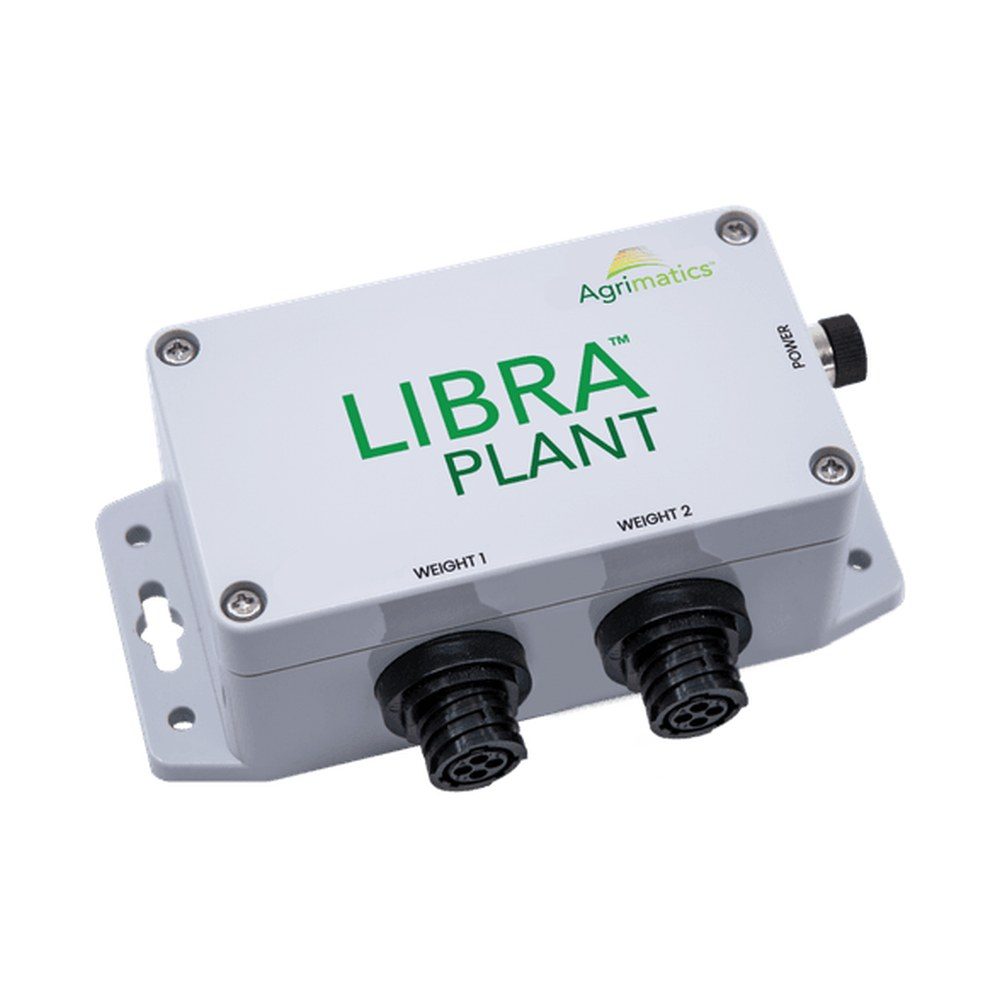
Libra Plant M0110
$2,250 scale box only
- Two weight channels. Track two tanks, and up to two dry products, at the same time. Using one? Cap the second.
- Uses your load cells. Connects to the junction box with a 4-pin AMP cable. Other connectors need an adapter, such as our 5-pin adapter.
- Moves between equipment. Pair it as a Planter for planters, drills and spreaders, or as a Tender for seed tenders.
- Battery or 12V. A 3.6V AA lithium battery is included. A 12V cable gives continuous power with the battery as backup.
Disconnect any existing scale head before connecting Libra Plant. Two indicators powering the same load cells can damage equipment.
One app for every implement
The same box and the same app work on your planter, drill, tender and spreader, with no extra monitor in the cab.
Use the device you already own
Any iPhone or iPad on iOS 13 or newer, or an Android phone or tablet on Android 9 or newer with at least 2 GB of RAM. The app is free.
Two tanks at once
Two weight channels track two tanks, or two dry products, side by side. More containers can share a channel through a junction box, as long as they hold the same product.
Planter or Tender mode
Planter mode tracks product loaded straight into the equipment and applied in the field. Tender mode logs each fill from the tender into the planter. Move the box to other equipment and switch modes.
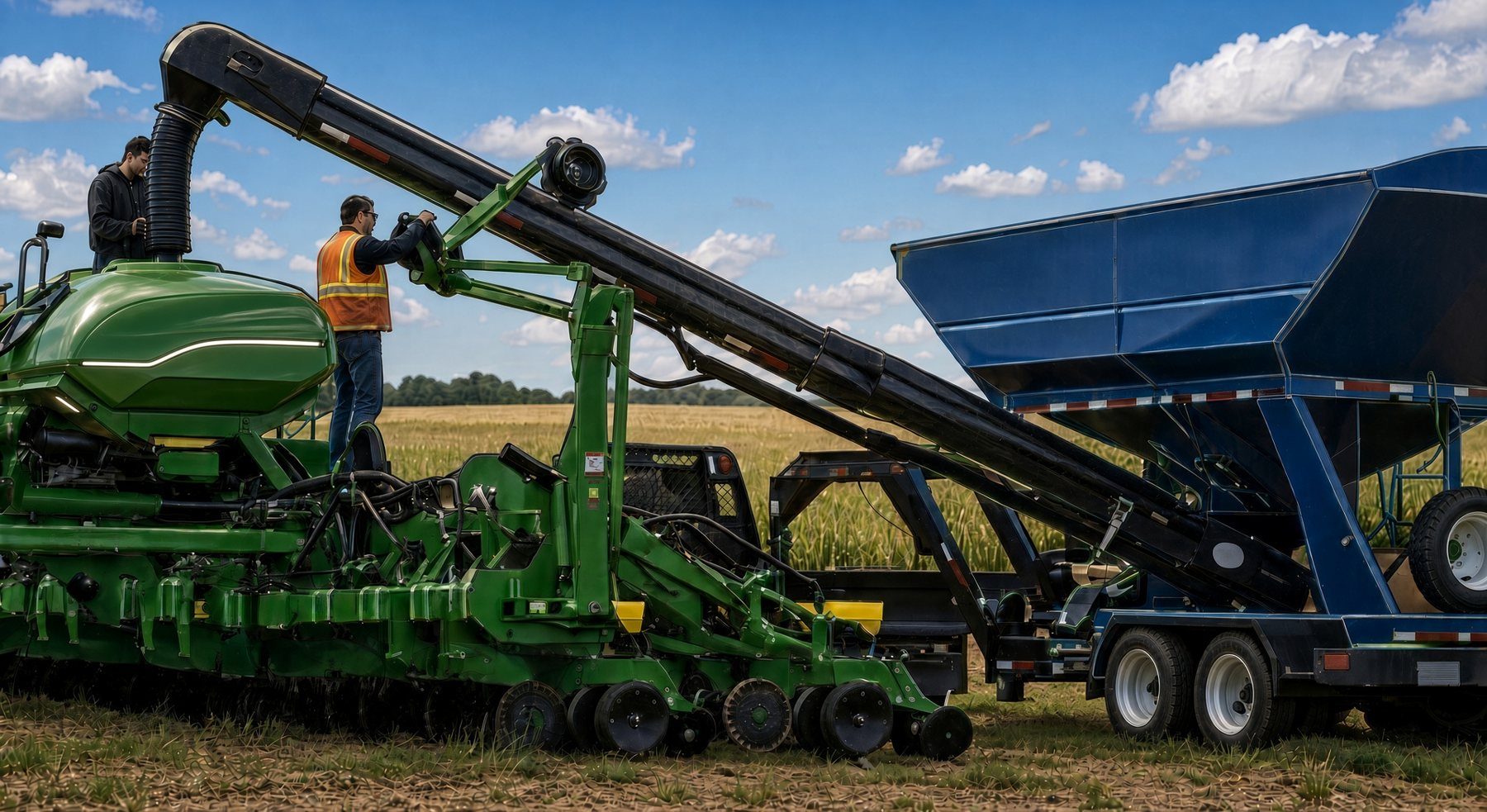
Apply accurately. Watch it live.
Know what is in the tanks and what has gone on the field, without writing anything down.
Real-time usage
Watch tank weights and product use as you plant, so you catch over- or under-application and blockages right away.
One-button records
Log fill weights and the field they went on with one tap. No typing.
Weights in the cab and beyond
See tank weights in the cab, and on other phones up to about 500 feet away as remote displays, handy for whoever is running the tender.
Weights on a scoreboard
Show the total tank weight on a big LED scoreboard while you fill, with a Serial Link. What you need.
Live weights from anywhere Pro
See tank weights on the cloud website or in the app from any distance, and pick the source, equipment and field remotely. Unlocks on accounts with three or more active Pro licenses.
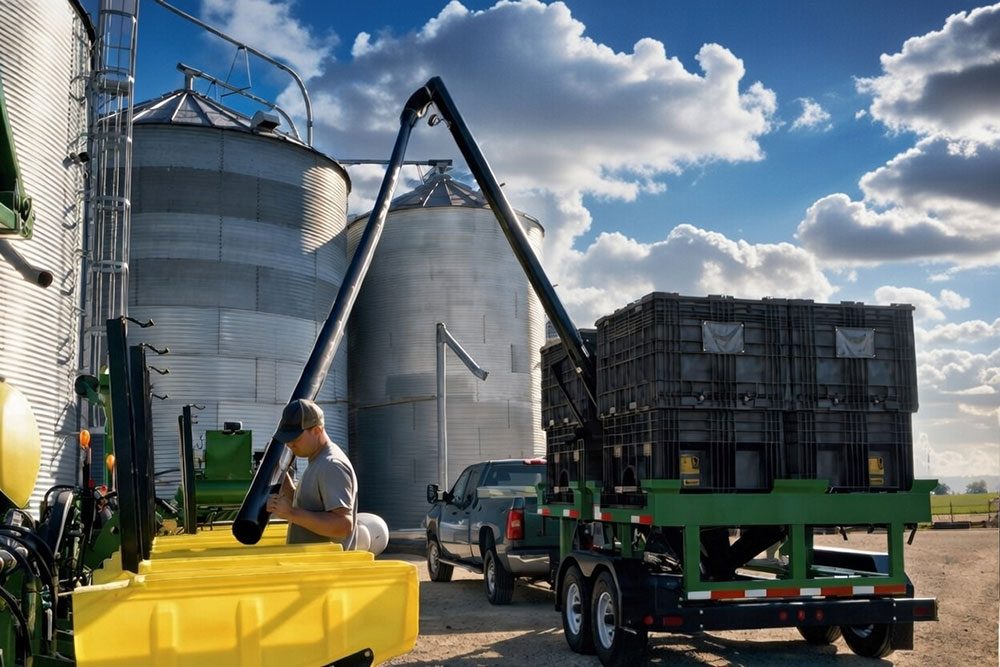
Stay on top of your inventory
Know what seed and fertilizer you have, where it went and how fast you are using it, so you don't run short or over-buy.
Product on hand
Enter what you bought, and the app subtracts it as you apply it.
From source to field
Follow each input from the yard or vendor to the field, with the history of every load.
Fix a load
Add notes, change a load's field or source, or enter product that never went through the equipment, like a purchase.
Turn records into decisions
Your planting records are organized, backed up and ready to share.
Reports
Load weight, date, time, GPS location (if your device has it) and total inputs. Email them to your agronomist, crop insurance agent or customers.
Compare with harvest
Line up what went into each field with what Libra Cart weighed coming off it.
Import your fields Pro
Bring field names and boundaries in from John Deere Operations Center, CNH FieldOps or Pipe Ag.
More in the app
- Running rate
- Product use and application progress as you go.
- Calibration calculator
- Compare the display to a trusted weight and it works out the setting.
- Load editing
- Notes, field and source changes, and manual entries.
- Your units
- Metric or imperial, mixed as you like, such as kg and bu/ac. Light and dark mode.
- Seasons
- Close out a season to reset totals and keep last year's records.
- Remote display
- Extra phones watch the weights within Bluetooth range.
Try the app free
Libra Plant is free on the App Store and Google Play. Download it and look around before you buy.
Questions about setting it up? See Libra University or call us.
Setting it up
- Mounting
- On the front of the equipment, with a clear line of sight to the cab. Connectors pointing down and out of the weather where you can.
- Phones and tablets
- A tablet as the main display in the cab. Any number of phones can be remote displays while they are in range.
- Battery
- Put a fresh 3.6V AA lithium in before each season. On 12V, the battery is the backup.
- Calibration
- Enter the load cells' sensitivity and rated capacity, zero the empty equipment, then calibrate against a known weight. Replacing a scale head? Its calibration number goes in as the rated capacity, with 0.40 mV/V. Numbers not lining up? Call us. It's routine for us.
Weights on a scoreboard
A Serial Link puts the total tank weight on an external LED scoreboard, so whoever is filling can read it from the tender. It works with every Libra Plant box.
| You need | Price |
|---|---|
| Serial Link M0080 | $1,195 |
| Scoreboard cable P0060 | $105 |
| Power cable P0070 | $105 |
| LED scoreboard | Needs a J905 port. Need one? Ask us. |
More about Serial Link · The scoreboard and other remote displays
Agrimatics Cloud Service
Backup and web viewing come with Libra Plant. Cloud Pro, set per device and the same subscription as Libra Harvest, unlocks the rest. More about the cloud service.
Protect your data Included
Planting data backs up whenever your device has internet. View it on the web and share it with a partner or advisor.
Edit from your computer Pro
Add locations, edit transactions and archive old names from your desk.
Sync across devices Pro
Every Pro device, Apple or Android, sees the same locations, equipment and field totals. Assign loads remotely and combine several pieces of equipment.
Your other farm software Pro
John Deere Operations Center, CNH FieldOps and Pipe Ag.
Get Libra Plant
$2,250 Libra Plant M0110, scale box only
What goes on the order
- Libra Plant M0110, with a 3.6V AA lithium battery. $2,250
- 12V cable for continuous power. Ask us and we add it to your order.
- 5-pin adapter if your junction box has a 5-pin connection. Not sure? Send us a photo of the plug.
- Serial Link and cables if you want a scoreboard. What you need.
- No scale on the equipment yet? We build kits with the load cells. Ask us.
Buy the M0110 Order it or ask us
Freight is quoted separately.
Questions
Will Libra Plant work with my existing scale?
Yes, with the load cells. Libra Plant connects to the junction box with a 4-pin AMP cable. Other connectors need an adapter cable. It replaces your scale head.
Can I keep my old scale head hooked up too?
No. Both would try to power the load cells, which will not work and can damage equipment or create a safety hazard. Disconnect the old scale system first.
My equipment has no scale. Can you add one?
Yes. We build scale kits for seed tenders and planting equipment. Tell us what you run and we will quote it.
How is it powered?
A 3.6V AA lithium battery (included) lasts longest. A 1.5V AA lithium also works. Alkaline batteries can corrode the box, so use one for only a few days. For continuous power, run a 12V cable from the tractor or equipment.
How many tanks can I connect?
Two weight channels are built in. More containers need a junction box, and every container on a channel has to hold the same dry product.
How many products can I track at once?
Up to two dry products while planting.
Which phones and tablets work?
iPhones and iPads on iOS 13 or newer, and Android devices on Android 9 or newer with at least 2 GB of RAM. We recommend a tablet in the cab and phones as remote displays.
Can I move it from my planter to my tender?
Yes. Pair it as a Planter for planters, drills and spreaders, or as a Tender for seed tenders, and move it as the season goes.
Setup guides and troubleshooting: Libra University.
 Libra Harvest
 Libra Express
 Libra University